Description
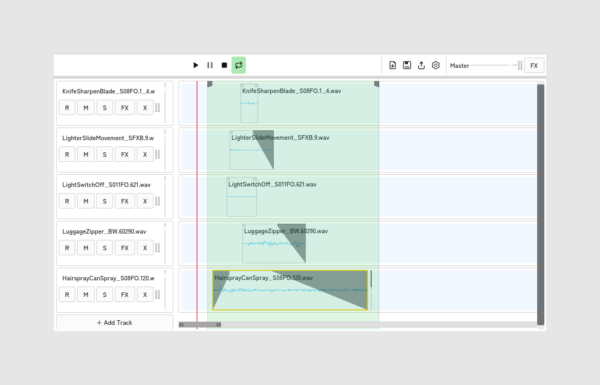
A lightweight, multi-track audio timeline editor and mini-DAW.
mTimeline provides a compact workspace for quick audio assembly, clip editing, live recording, and mixdown — all in a clean, responsive interface.
Features
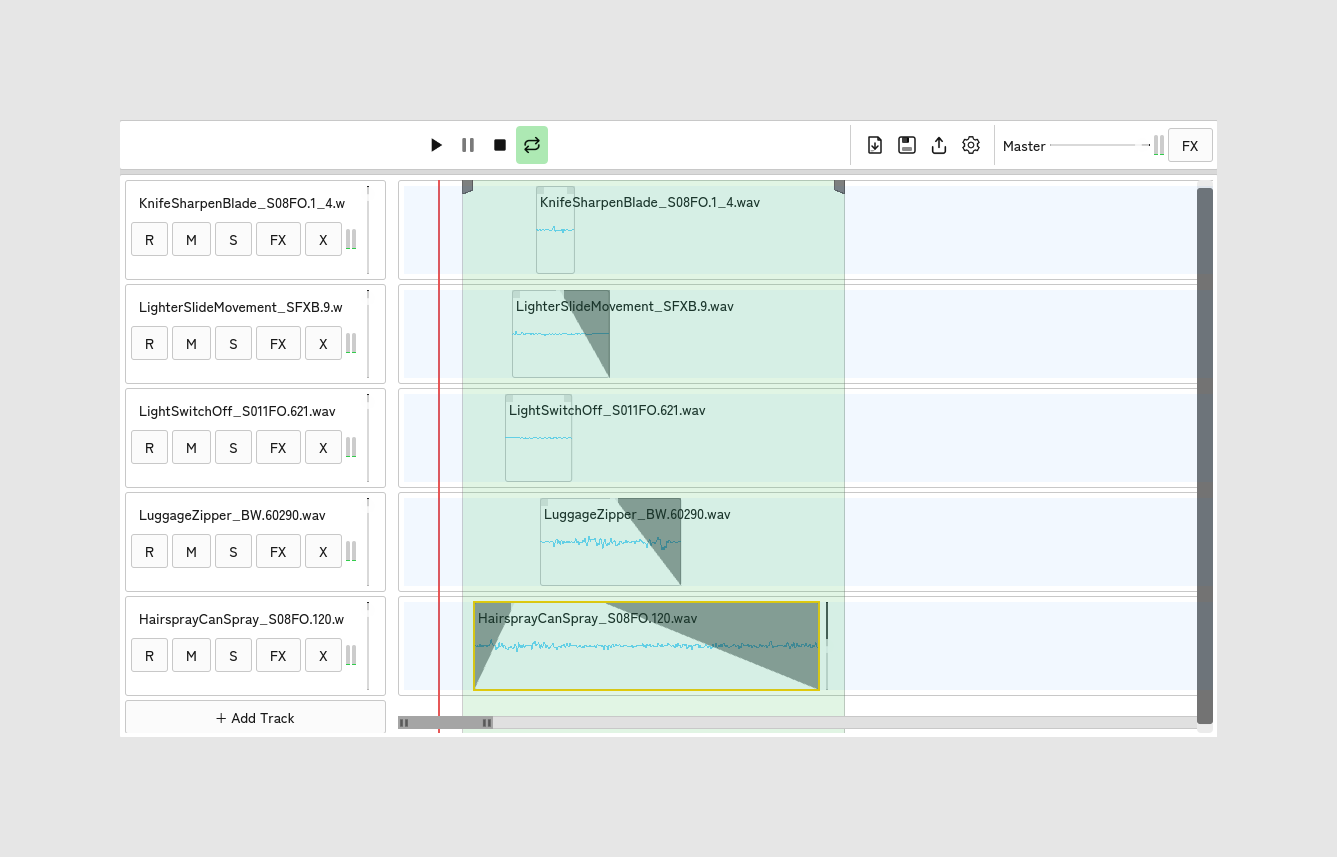
- Multi-Track Timeline: Drag & drop WAV and OGG files onto the timeline — new tracks are created instantly. Move clips horizontally to adjust timing or drag
them vertically across tracks. - Clip Editing: Trim clips from the start or end by dragging the edges. Apply per-clip fade-in and fade-out with adjustable curve shapes (Linear,
Logarithmic, Exponential). Control clip volume with a vertical slider. - Live Recording: Arm any track for recording and press Play to capture audio on all armed tracks simultaneously. Recordings are saved as WAV files
automatically on Stop. - Loop Regions: Click and drag on empty timeline space to draw a loop region. Adjust boundaries with drag handles. Loop playback snaps back to the start on
each repeat. - Reaper-Style Navigation: Mouse wheel zooms the timeline, Ctrl+Wheel zooms, Shift+Wheel scrolls horizontally, Alt+Wheel adjusts track height. A zoom
scrollbar at the bottom doubles as a minimap. - Export Mixdown: Render the full timeline or the active loop region to a stereo WAV file with all fades, overlaps, and timing applied.
- Dark & Light Themes: Full support with dynamic contrast, switchable from the Settings dialog.
- Master Bus: Master volume slider, FX chain support, and real-time VU meters during playback.
- Lightweight: Designed to use minimal space and resources.
How to use
- Drag your audio files onto the timeline.
- Arrange, trim, and fade each clip to your liking.
- Arm tracks for recording or set a loop region.
- Export your mixdown or save the project for later.
Reviews
There are no reviews yet.